 PhotoMind.appPhotoMind
Detail Shot Context
Texture becomes a story detail when it adds information the wider frames cannot show.
Clue
Choose a detail that says something about use, craft, material or daily life. Pretty texture alone may add little to the set.
Scale
Decide whether a hand, edge or neighboring object is needed to explain size or function.
Light
Check whether the light makes the useful texture readable. Avoid harsh reflections that hide the material.
Frame
Keep one clear center of interest while retaining the contextual clue. Scan small edge cuts carefully.
Pair
Place the detail next to the scene-setting image. It should deepen the place rather than repeat the same information at a different crop.
Worked example
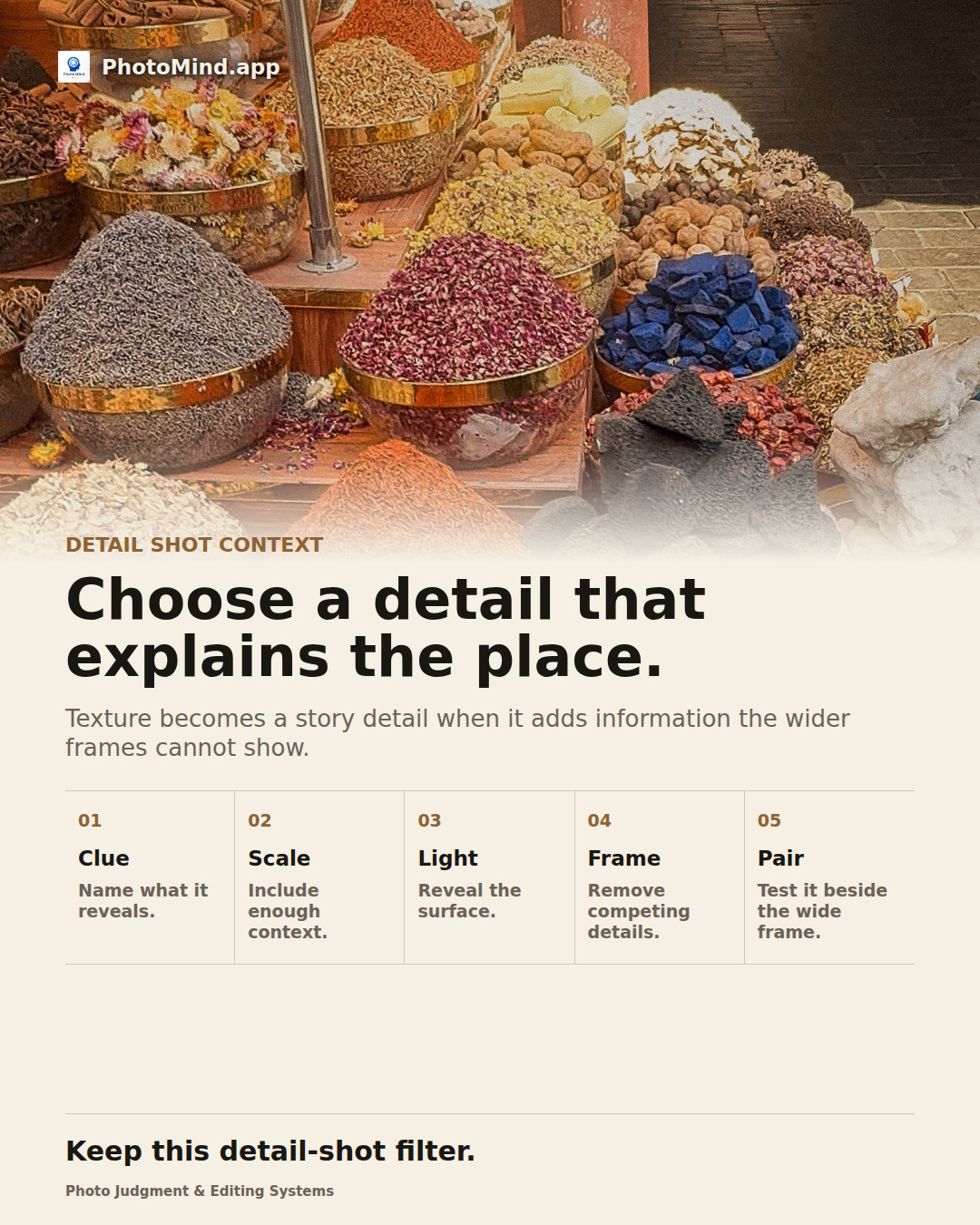
A market-wide frame shows the setting; a close view of scoops, spices and worn containers explains how the stall works. Choose the detail for that added information, then refine its texture and color.
Keep in mind
Ask when photographing vendors or personal objects closely. A detail's narrative value does not override the person's boundaries.