 PhotoMind.appPhotoMind
Window Light Position
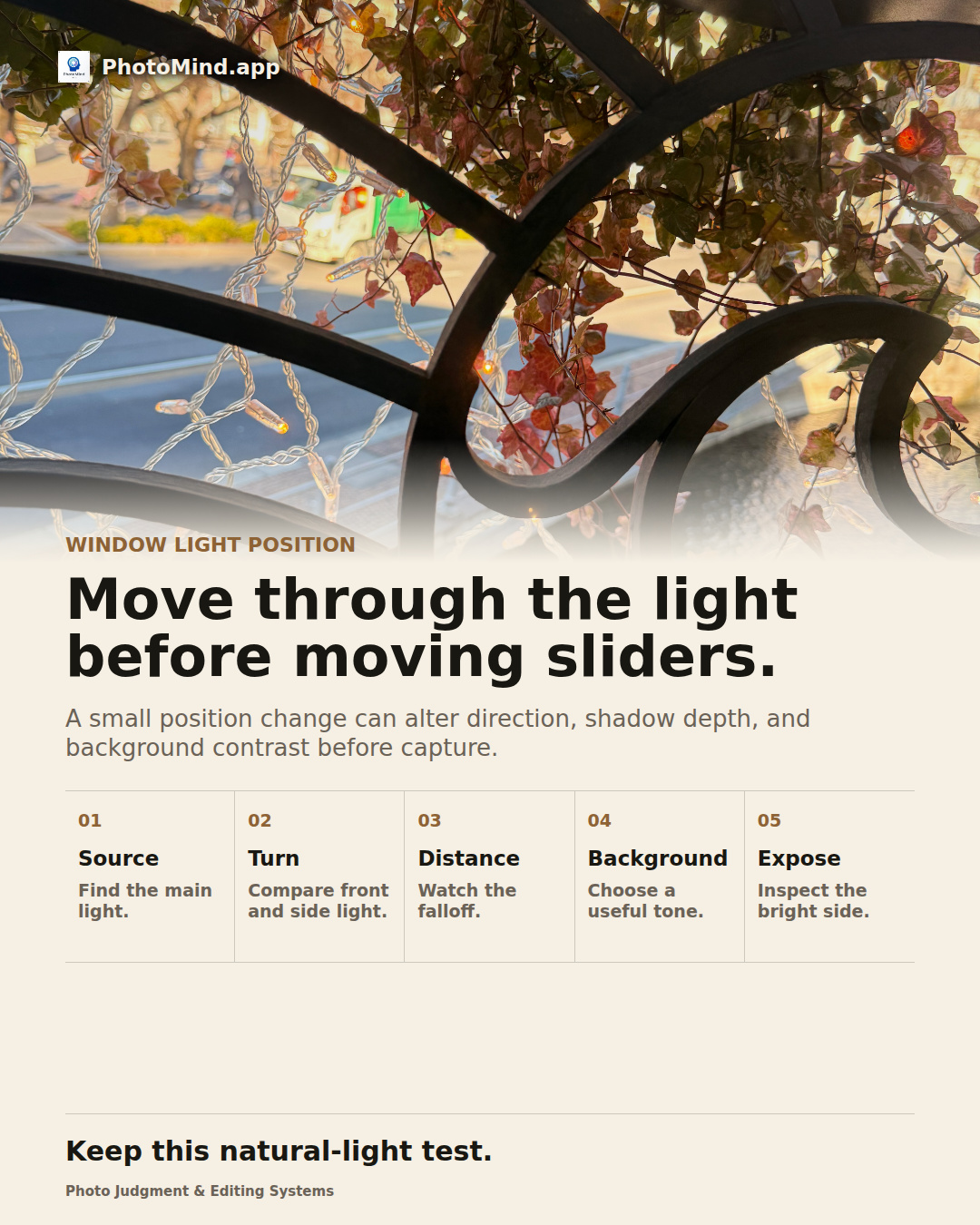
A small position change can alter direction, shadow depth, and background contrast before capture.
Source
Identify the window or opening supplying most of the light. Observe which side of the subject faces it.
Turn
Turn the subject or your viewpoint gradually. Notice how shape and texture change as the light becomes more lateral.
Distance
Move closer or farther from the opening and compare subject brightness with the background. Keep framing changes in mind.
Background
Look for surroundings that separate the subject without demanding a heavy edit. A quieter backdrop may solve the problem.
Expose
Check important lit surfaces and the darker side on a test frame. Avoid assuming every shadow needs equal visibility.
Worked example
Near a balcony opening, turning a textured object toward the light can make it flatter; turning it slightly away can reveal its shape. Test the relationship before adding contrast to the file.
Keep in mind
A window can be direct, diffuse or mixed with room lighting. Read the actual light rather than assuming all window light is soft.