 PhotoMind.appPhotoMind
Material Texture Map
Let stone, skin, air, and fabric keep their own character instead of giving every surface the same intensity.
Map
Identify the surfaces that explain the image. Decide which should feel tactile and which should remain quiet.
Priority
Give the important material enough definition to read. Avoid making every leaf, wall and cloud equally assertive.
Scope
Use local control when one material needs a different treatment. Check the transition into neighboring surfaces.
Restraint
If surfaces become dry, crunchy or artificially sharp, reduce the adjustment. Material clarity does not require maximum contrast.
Output
Inspect the image as it will be seen. Fine texture that matters at full resolution may contribute little at a smaller size.
Worked example
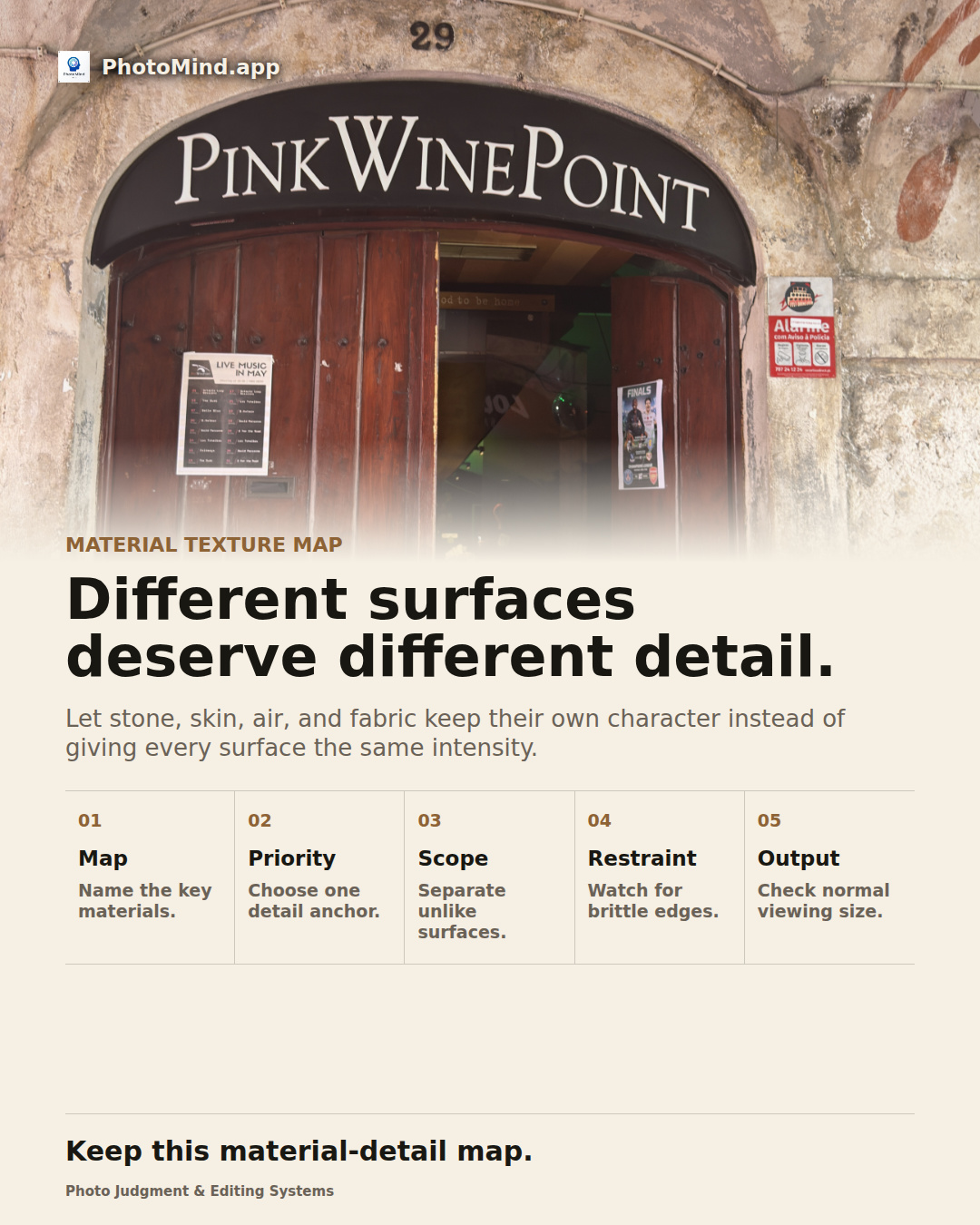
A stone doorway invites attention to worn surfaces. Increasing detail globally can also harden the light and every background object. Refine the stone where it carries the story and keep the other surfaces proportionate.
Keep in mind
The source file limits usable detail. Stronger texture treatment cannot replace detail that was never resolved.