 PhotoMind.appPhotoMind
Gradient Light Direction
Broad local adjustments should support existing direction. Check that the transition feels natural across different surfaces.
Direction
Identify where light becomes brighter or darker in the scene. Use that pattern to guide the adjustment.
Purpose
Decide whether the sky, foreground or side of the frame is taking too much attention. Target that relationship.
Width
Spread the transition enough to avoid a visible band. The right width depends on the scene and the strength of the adjustment.
Protect
A broad gradient can darken buildings or faces along with the sky. Refine the affected area when those subjects need different treatment.
Toggle
Compare with the original. If the gradient seems to invent a spotlight or shadow without a reason, reduce or reposition it.
Worked example
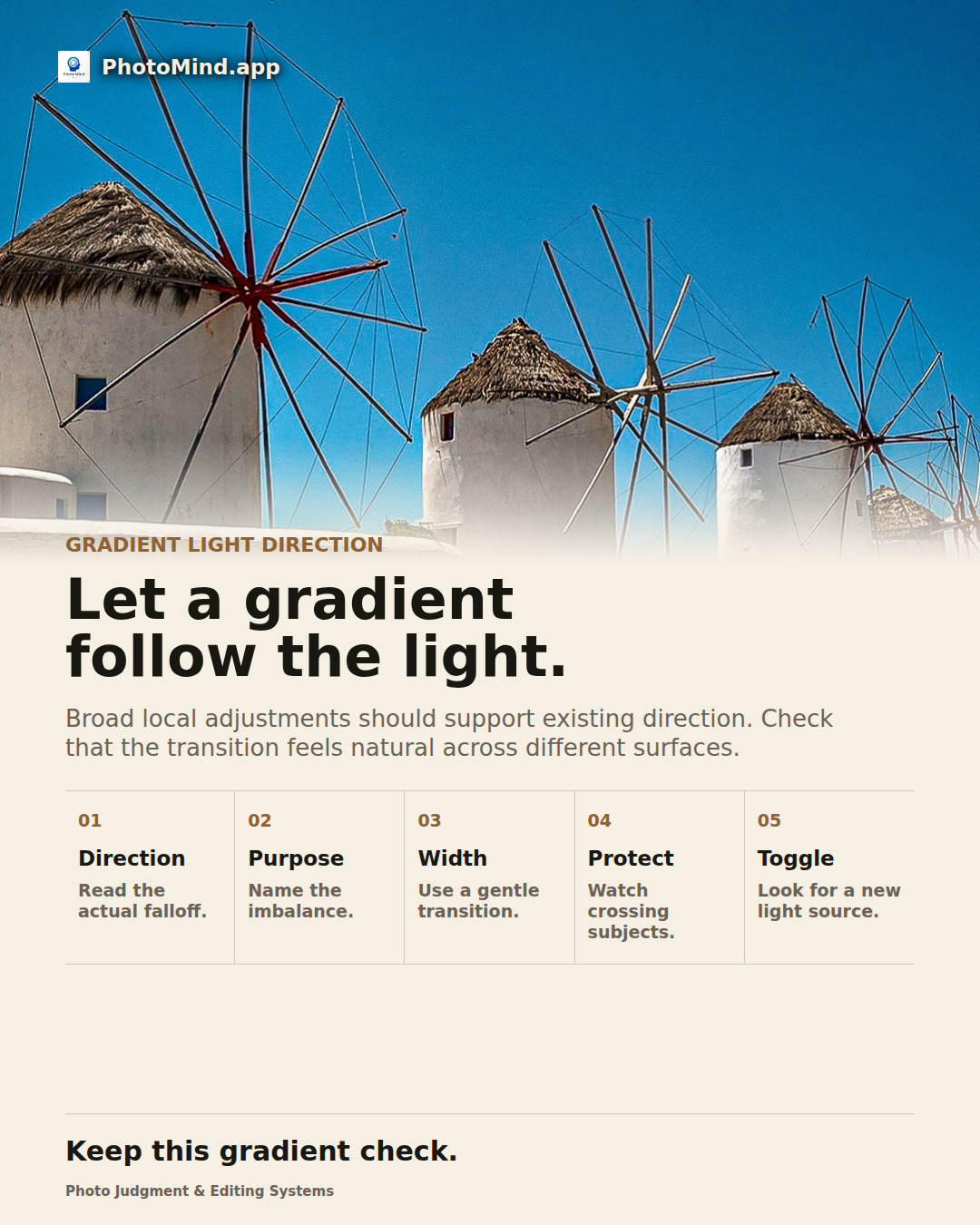
A windmill scene may benefit from a quieter sky, but a straight darkening band can also dull the white sails. Shape the sky's role while protecting the structures that cross the transition.
Keep in mind
A gradient is not always the right selection. Use a more specific mask when the desired region follows complex boundaries.