 PhotoMind.appPhotoMind
Mask Halo Check
Inspect contrast boundaries after local edits. A bright rim or dark seam can make a believable scene feel assembled.
Toggle
Turn the local edit off and on to establish whether it causes the rim. Avoid fixing an artifact that came from a different step.
Inspect
Look along roofs, tree branches and subject outlines at detail view. Check for spill into neighboring regions.
Refine
Add or subtract the missed area with the available mask controls. Recheck delicate edges rather than trusting an automatic selection.
Strength
A perfect selection can still look artificial when the adjustment is too strong. Reduce the difference across the boundary.
Return
At normal viewing size, the subject should remain integrated with its light and background. Keep the edit only if it helps there too.
Worked example
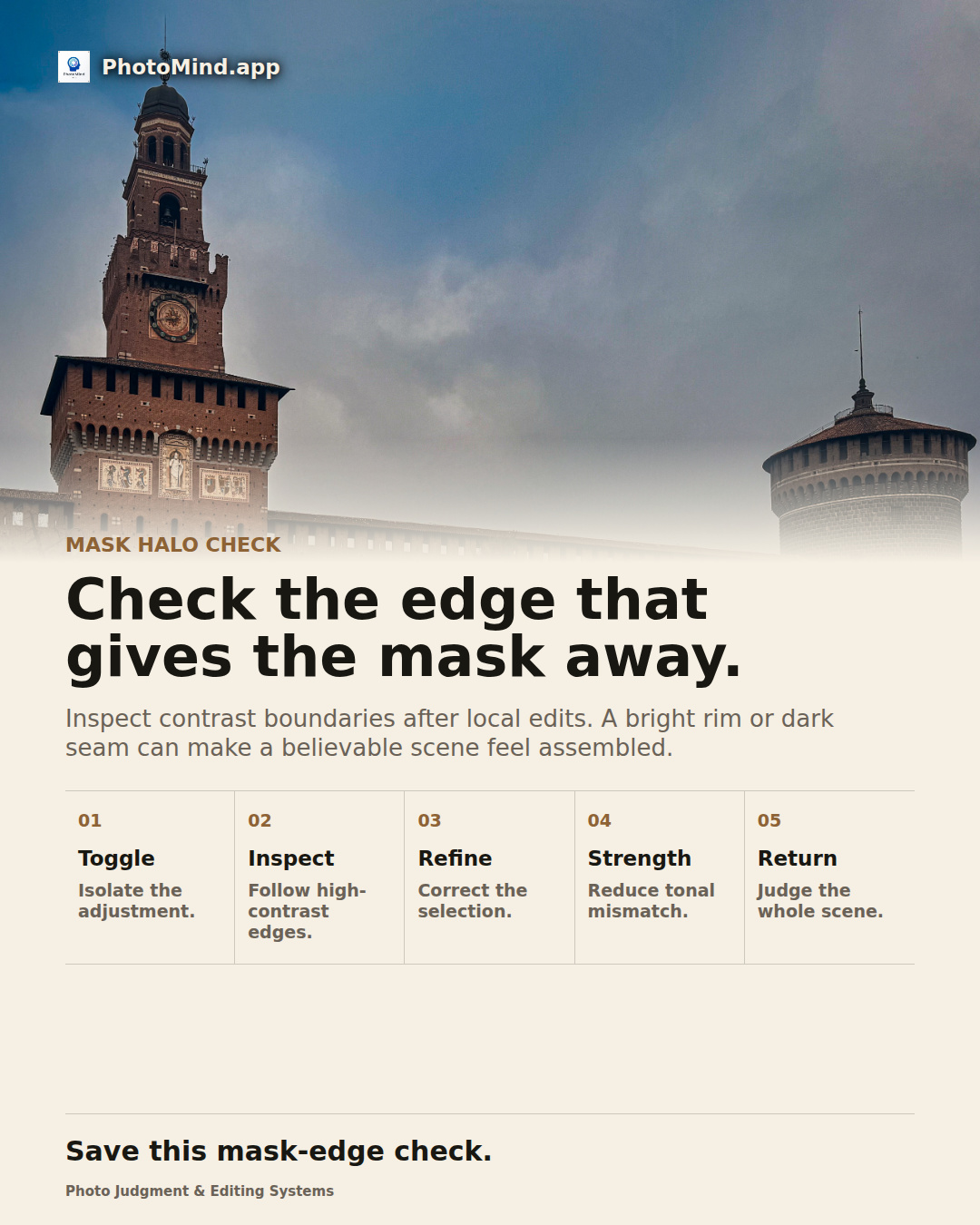
Darkening a sky behind a castle can expose a pale rim around the towers. Inspect the mask boundary, then compare a gentler sky correction. Fixing selection and reducing intensity may both be necessary.
Keep in mind
Some bright outlines come from real backlight or lens behavior. Compare with the original before removing them.