 PhotoMind.appPhotoMind
Texture Clarity Dehaze
Surface detail, local contrast, and haze need different treatment. Inspect the side effects as closely as the gain.
Texture
Try Texture when material detail needs more or less presence. Compare stone, fabric or skin rather than judging only the overall punch.
Clarity
Use Clarity for local contrast when it supports structure. Watch skin, bright outlines and the transition between light and shade.
Dehaze
Use Dehaze when atmospheric density needs adjustment. Watch color shifts, dark skies and a loss of natural distance.
Scope
A material may need definition while nearby air or skin should stay soft. Limit the adjustment to the area that needs it.
Stop
Compare at full-frame and detail views. Keep the smallest change that makes the intended material or structure clearer.
Worked example
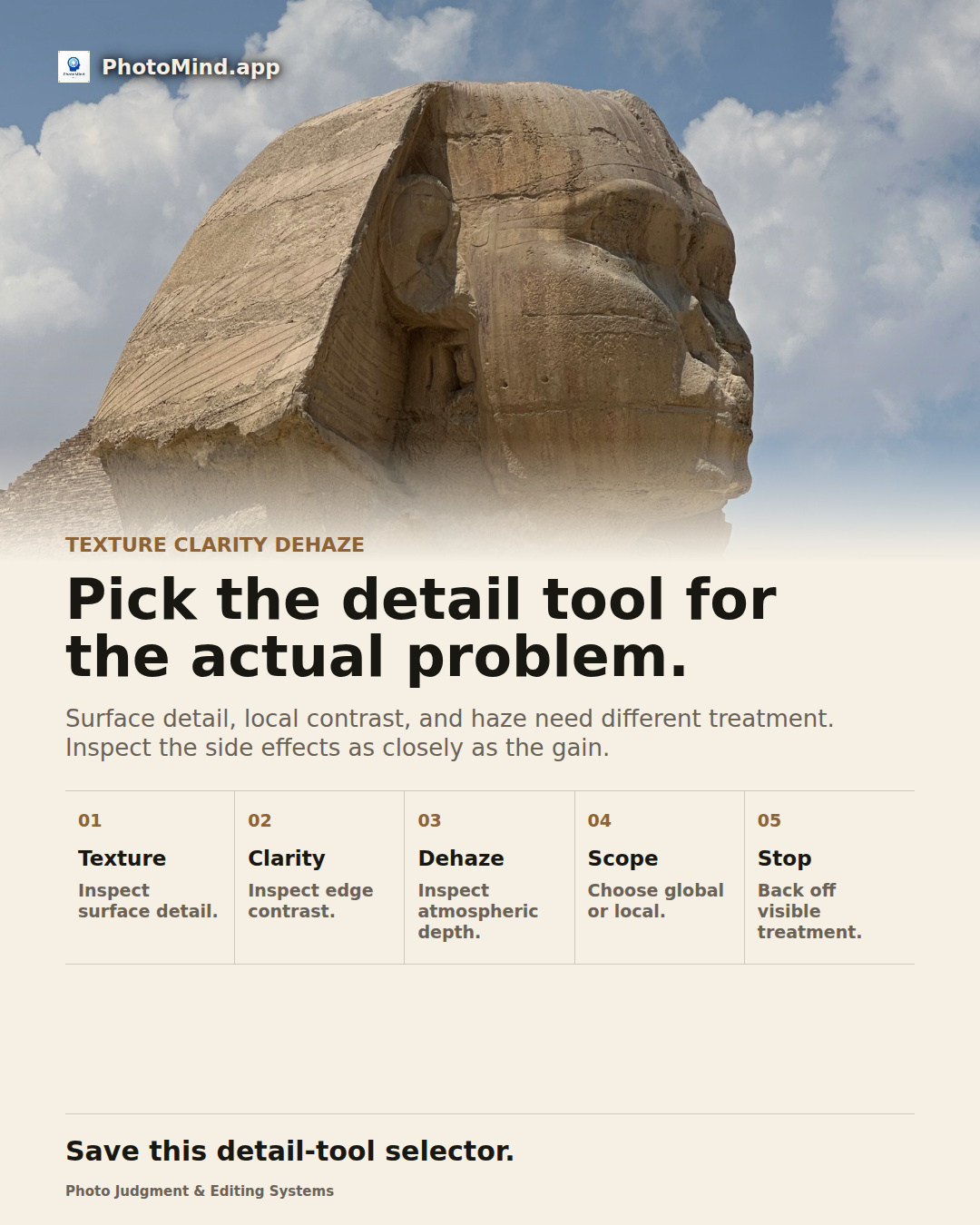
Carved stone may benefit from a little surface definition, while the sky behind it gains nothing from the same treatment. A local texture adjustment can preserve the material without hardening the entire scene.
Keep in mind
None of these tools restores missed focus or motion detail. Keep capture defects separate from surface rendering.