 PhotoMind.appPhotoMind
Temperature Or Tint
Separate temperature from tint before moving either. Watch a believable reference surface as you adjust.
Read
Ask whether the image feels blue or yellow, green or magenta. Avoid calling every color problem simply too cold.
Temp
Use temperature for the broad blue-yellow balance. Keep the scene's intentional warm or cool mood in view.
Tint
Use tint when a green-magenta bias remains. A small correction can be enough on sensitive surfaces.
Anchor
Choose a known neutral only when it is under representative light. A white wall lit by a colored sign is not a neutral lighting reference.
Check
After correcting the anchor, inspect the rest of the image. Mixed lighting may need a local correction rather than a larger global shift.
Worked example
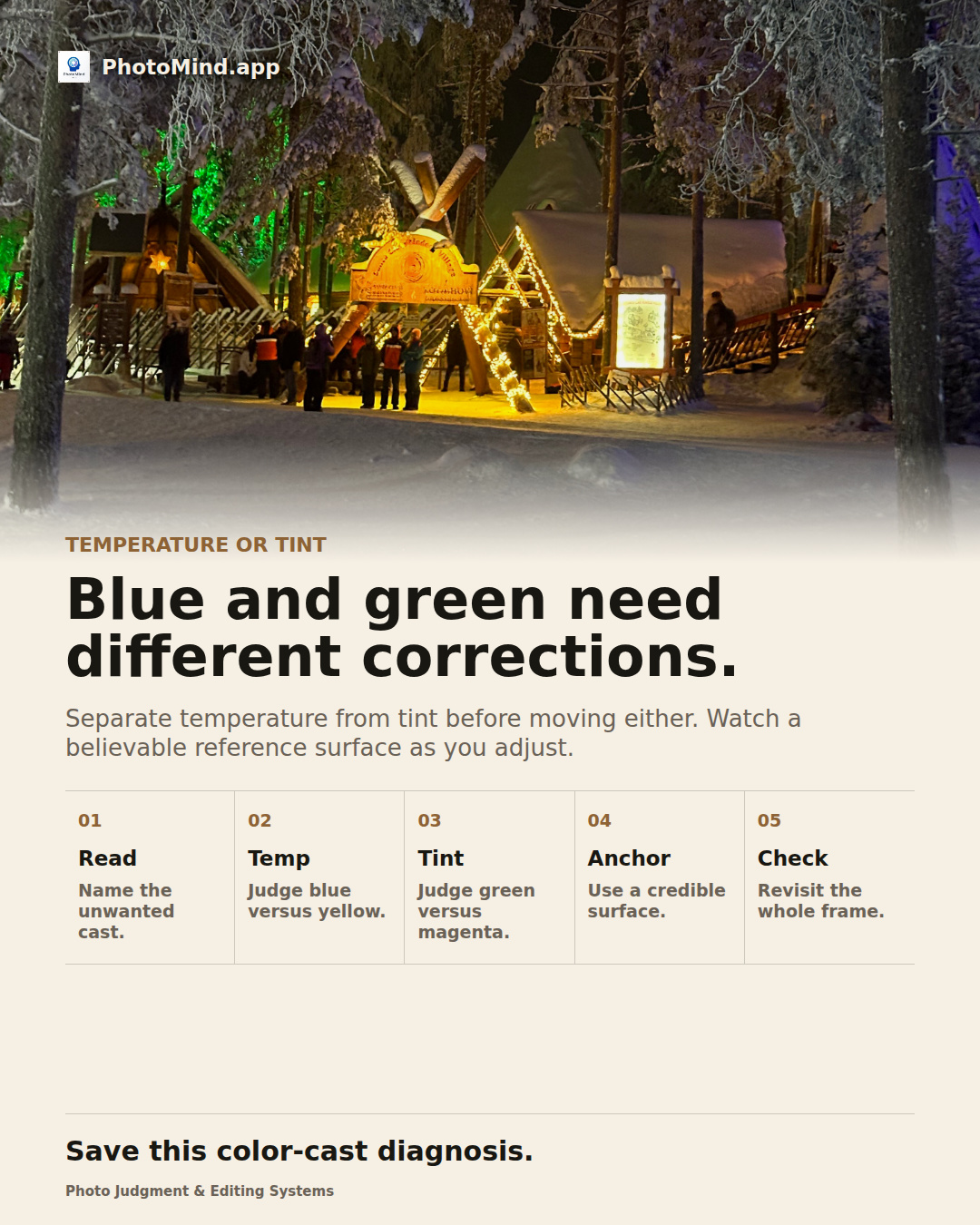
Snow under a green light can remain green even after you warm the file. First decide whether the color belongs to the scene. If it is unwanted, inspect tint and the local light source instead of increasing temperature again.
Keep in mind
Creative colored light is not automatically an error. Neutralize only the cast that interferes with the intended image.