 PhotoMind.appPhotoMind
Mixed Light Priority
Choose the surface or subject that must feel believable, then let the other light sources keep their character.
Anchor
Pick the subject whose color is essential: a face, a material or another recognizable surface. Judge the global balance around it.
Sources
Separate daylight, warm lamps and colored lighting mentally. One global temperature cannot independently neutralize all of them.
Global
Adjust overall balance until the priority area is believable. Accept some scene color where it describes the lighting.
Local
Use a restrained local adjustment for a troublesome area. Inspect mask boundaries and nearby surfaces for discontinuities.
Compare
Toggle the correction and ask whether the scene still feels lit by the original sources. Stop when coherence improves.
Worked example
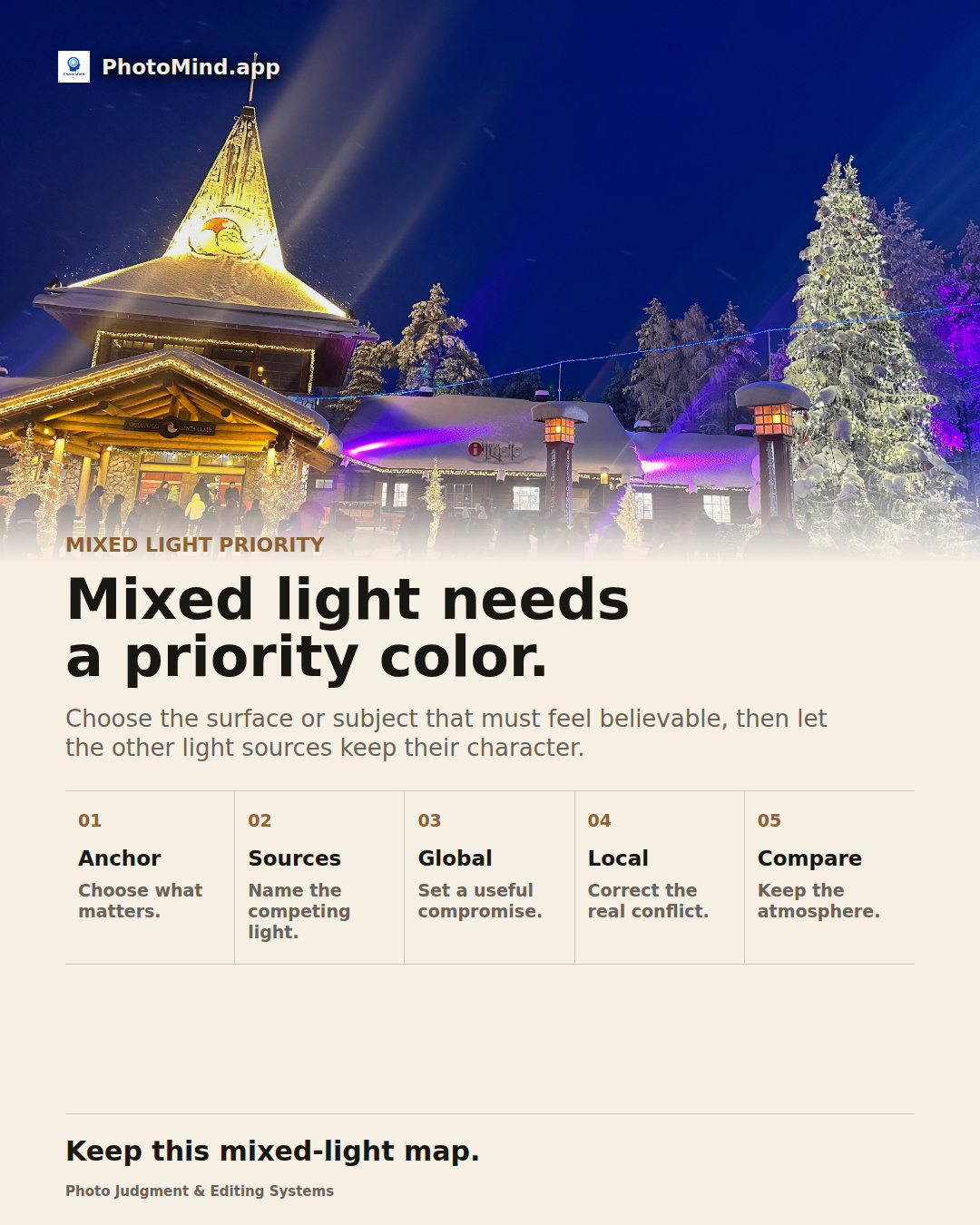
At blue hour, a warm pavilion and a blue sky can belong together. Neutralizing the building completely may drain its warmth, while warming the whole file can muddy the sky. Choose the priority, then refine locally if needed.
Keep in mind
Strongly colored lighting may contain limited color information. White balance cannot restore missing spectral detail reliably.