 PhotoMind.appPhotoMind
Snow Exposure Review
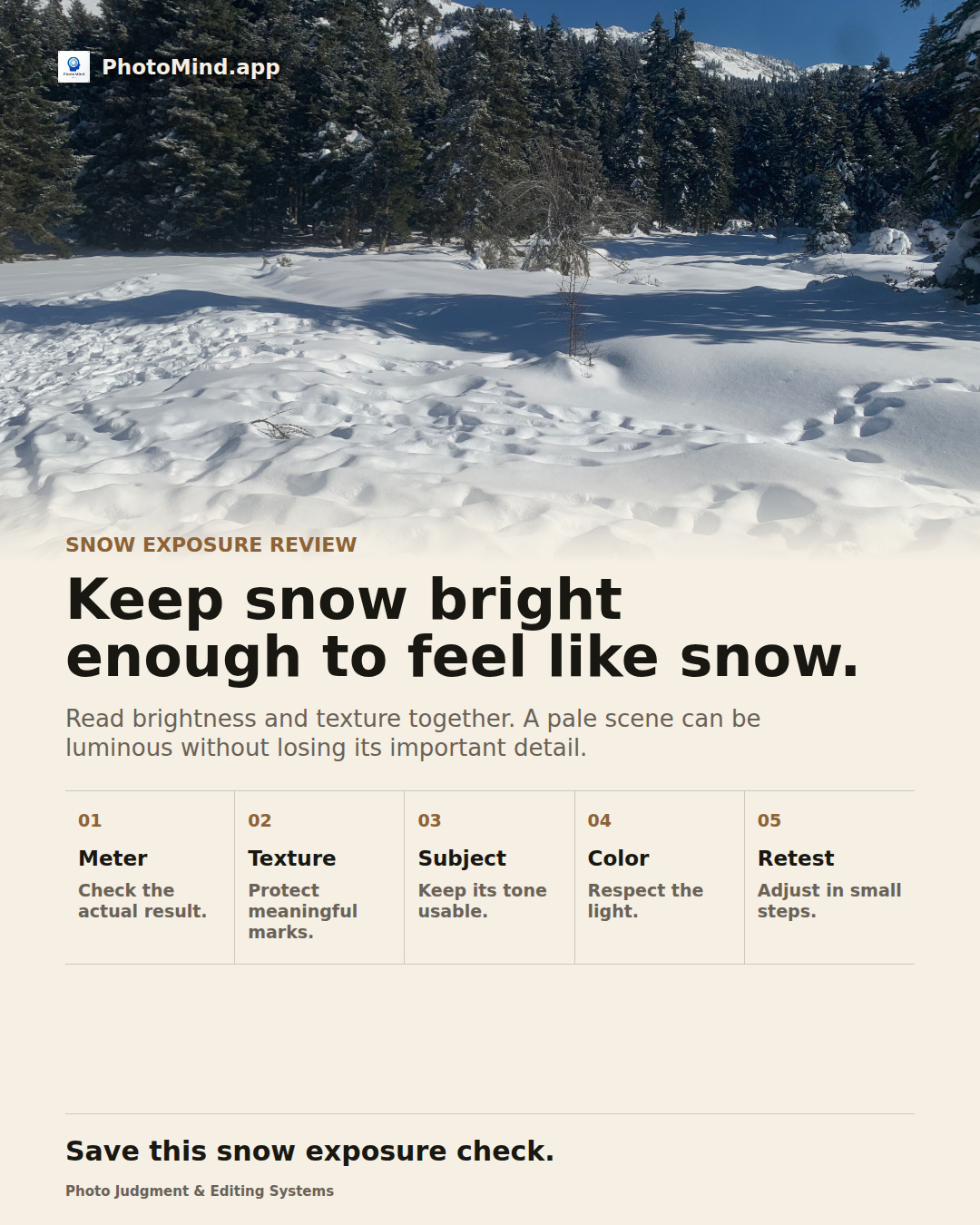
Read brightness and texture together. A pale scene can be luminous without losing its important detail.
Meter
A bright scene can be rendered darker than intended by the meter. Review the file instead of assuming the first reading is right.
Texture
Inspect footprints, ridges and sunlit slopes that matter to the image. Small sparkling points need not all retain detail.
Subject
Check a darker person, cabin or tree separately. Avoid protecting every bright point at the cost of the subject.
Color
Snow in shade can look blue. Judge whether the cast describes the light or makes the whole scene feel unnatural.
Retest
Change exposure compensation when your capture mode supports it and inspect again. Use the histogram as evidence, not a brightness target.
Worked example
A snowy clearing contains bright ground and dark trees. Raising the exposure may restore the snow's lightness, but check that the sunlit ridges remain distinct. The trees can stay dark without becoming the exposure target.
Keep in mind
Metering behavior and RAW headroom vary. Avoid a universal compensation value; use a test frame and highlight review.