 PhotoMind.appPhotoMind
Crop Tradeoff Test
Compare the cleaner frame with the context it loses before committing to a tighter version.
Reason
Identify the exact element that weakens the frame. A crop should solve a specific problem, not merely make the subject bigger.
Gain
Compare both versions at equal display size. Does attention arrive more clearly in the cropped frame?
Loss
Look for removed scale, direction or human relationships. A cleaner image may become less informative.
Edges
The new crop creates new edges. Inspect cut shapes, near-tangencies and bright corners again.
Output
Inspect the cropped file at its intended output size. Stronger composition can still be limited by too little remaining detail.
Worked example
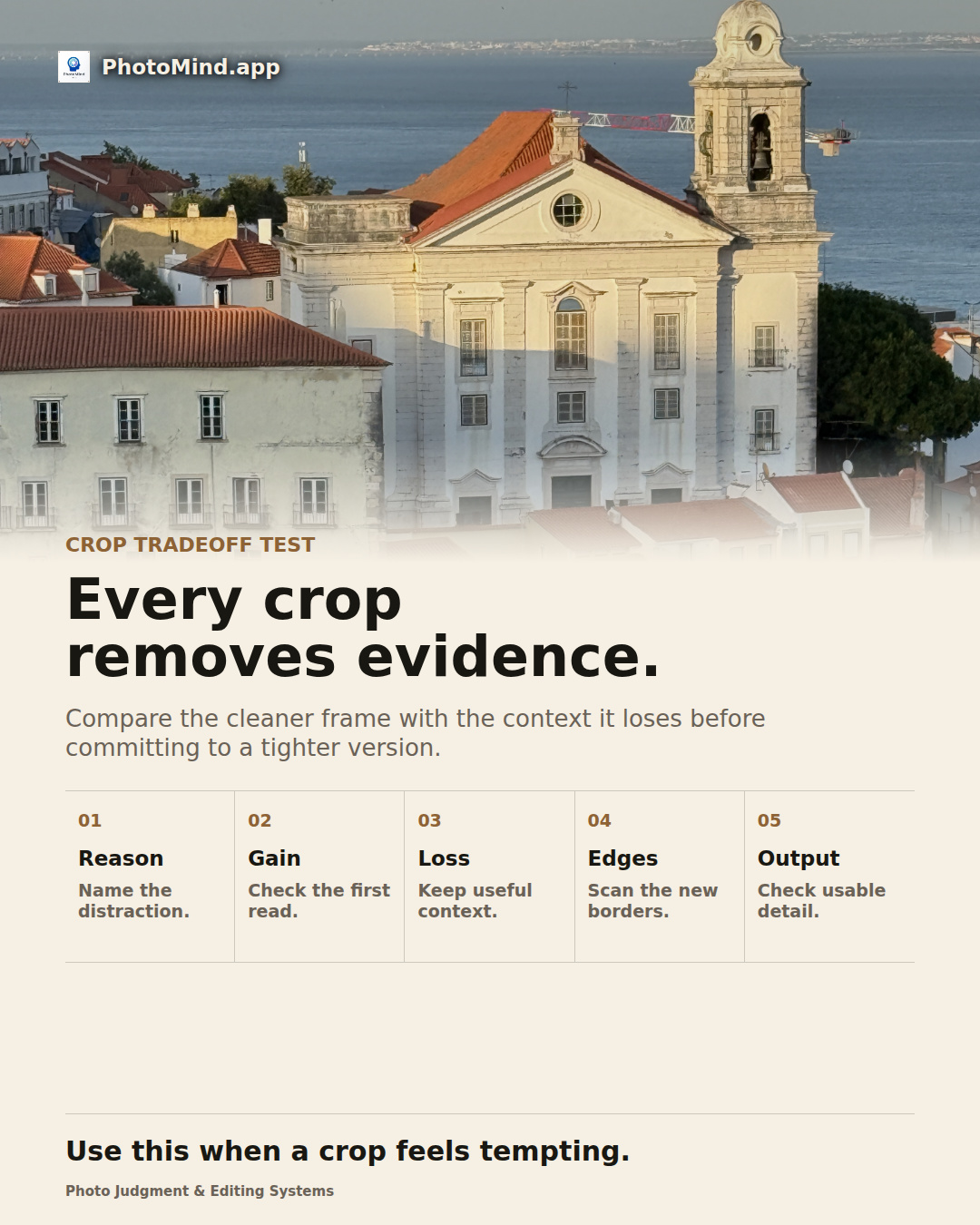
Cropping a church above rooftops may remove an untidy corner but also remove the city that explains its height. Compare a tight landmark frame with a wider place frame and choose the job you need.
Keep in mind
Keep an uncropped master or reversible crop. Different publishing roles may need different boundaries.